Marvel Search
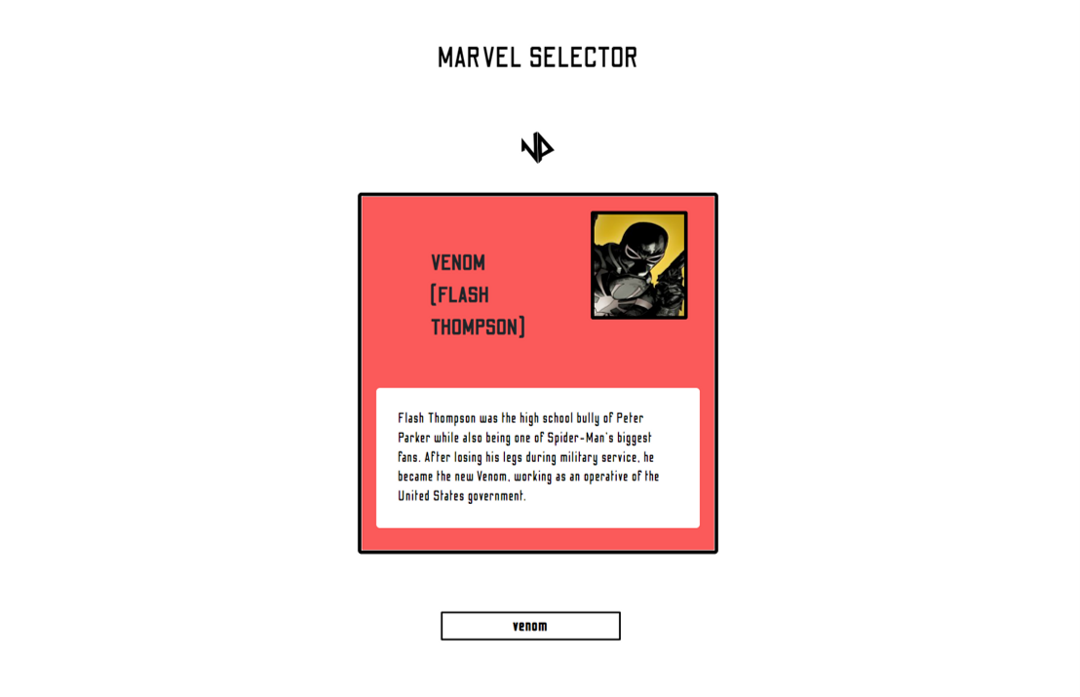
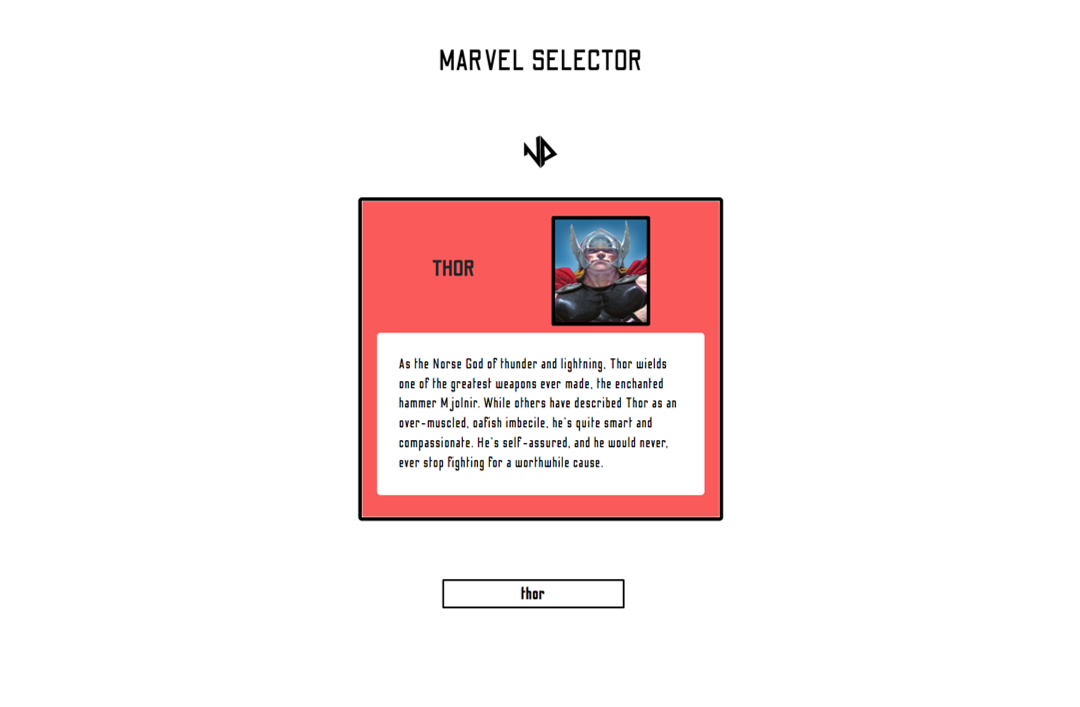
Search for any Marvel character within a database powered by Marvel.com. The selected character is displayed with their name, bio, and image retrieved through the API, complemented by minimal styling.
View codeWhat I learnt
- I can see why react is very popular, showing me hooks and how it makes working with components easier and help change the value of a state condition. Got a great insight on how useEffect works I had to read upon on what it can do and through this knew it was imperative especially working with an api.
- It is my first time using sass and it has made me realise how efficient it is to style an app. It’s also much tidier and more organised thus being a big help when re-visiting for any future modifications.
- I found it easier to use git to add content to my repository. I did run into a few origin master issues but I managed to research the problem and resolve it.
- To prevent all the characters being displayed at one time I had to visit a developer web doc to know how to solve this and so I found map() and slice() methods. Both allowed me to display and pick out one character from the index of items from the array returned.
Future Improvements
- While using the search, I noticed that users have to manually delete text using the backspace key, which can negatively impact user experience. This issue can be amended by implementing a clear button within the input box.
Screenshots